Change Type
From Amicus


| Amicus | |
| Change Type | |
| See Also Submit feedback on this topic | |
| Key Areas > Stock Control And Products > Pricing > Pricing Wizard > Change Type |
Glossary Item Box
The first step to creating a price condition is to select the type of price change you would like to perform.
You can either choose Regular where the price is simple changed according to a dollar($) or percentage(%) markup/markdown or Threshold where the price is regulated by the number of items purchased.
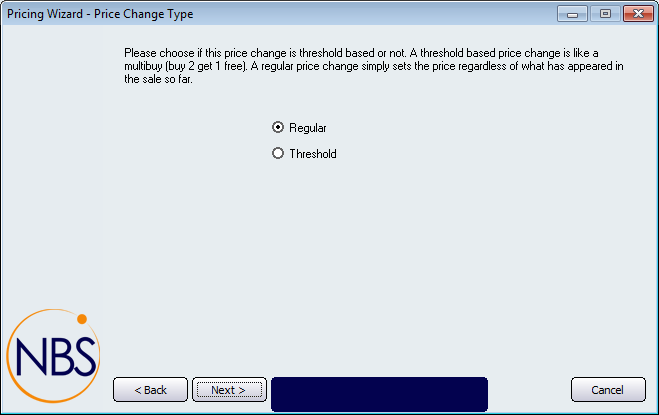
Figure : Pricing Wizard Step 2