Switching to Analyze mode
From CodeXL


 CodeXL User Guide
Switching to Analyze mode
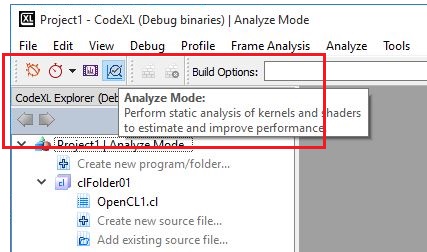
Option 1- Analyze mode button:
Click on the Analyze Mode button in the CodeXL Mode toolbar:
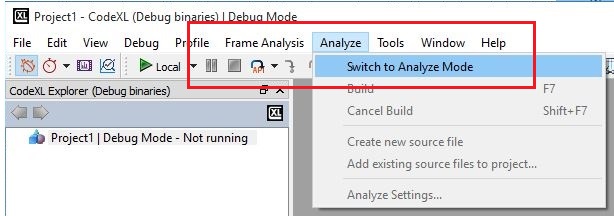
Open the Analyze menu from menu bar and select the ‘Switch to Analyze Mode’ command:
After you switch to Analyze mode, you can also create a new project, open a previously saved project, or load the Teapot or Matrix Multiply samples.