Execute the Macro
From AutoCAD ActiveX
Step Through the Code

ActiveX/VBA Tutorial: Design the Garden Path

Add a Dialog Box Interface

You
don't need to step through the code whenever you run the macro.
You can run the macro from the Tools menu by clicking Macro  Macros,
selecting a macro, and then clicking Run. This allows you to see
the flow of execution the way a user would see it. Run the macro
from AutoCAD, entering the following values:
Macros,
selecting a macro, and then clicking Run. This allows you to see
the flow of execution the way a user would see it. Run the macro
from AutoCAD, entering the following values:
Start point of the path: 2, 2
Endpoint of the path: 9, 8
Half width of the path: 2
Radius of tiles: .2
Spacing between tiles: .1
This example should draw a garden path as shown in the following figure:
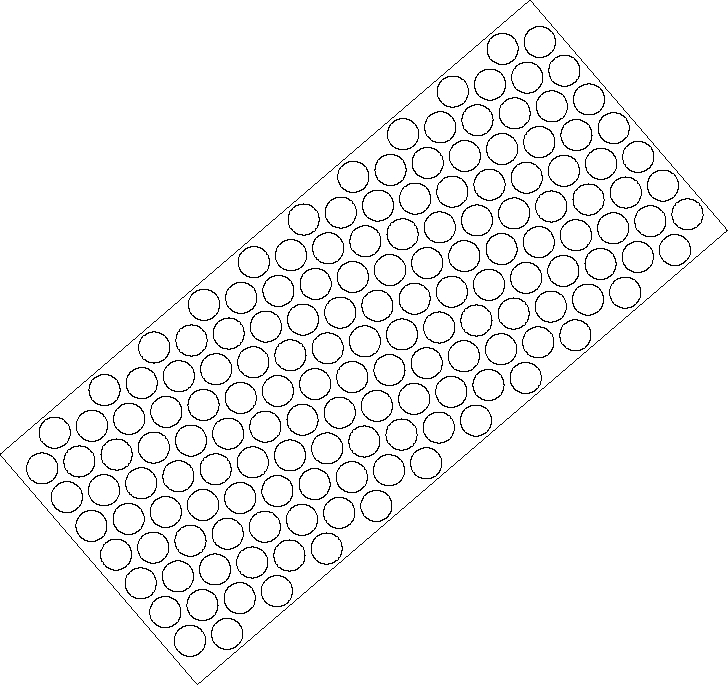
You can experiment with the Gardenpath macro by specifying the various inputs.