Edit Report Properties
From Alchemex 7.1
Home >
Edit Report Properties
To edit the properties of a report, select the report you want to edit in the left pane and make the amendments in the properties fields in the right pane.
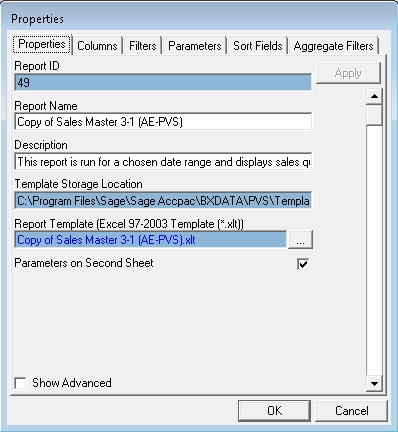
A report property which is not available on this properties screen is the source container (the container from which this report was created).
To view this information:
- In the object window, double-click on the report.
- Double-click on Source Container.
- The source container name will then be displayed beneath the source container line.
- If you wish to go to this container within the Connector
then proceed as follows:
- Right-click on the source container name (the name which appeared in step 3).
- Select Go to Container In Connector. (See also Go to Container Topic)
- Click Yes to continue.
- The Connector will open displaying the source container.