Edit Folder Properties
From Alchemex 7.1
Home >
Edit Folder Properties
To edit the properties of a folder, select the folder you want to edit
and on the toolbar, click the Properties
 button . The Properties
window will be displayed.
button . The Properties
window will be displayed.
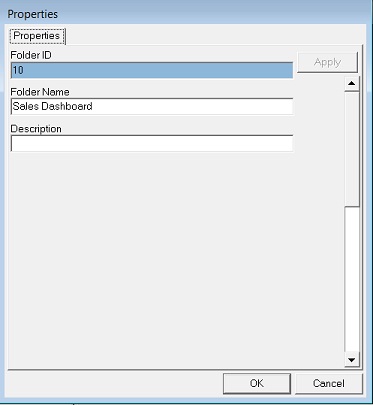
Type your amendments and click OK.