Creating a Folder
From Alchemex 7.1
Home >
Creating a Folder
A folder enables the user to manage reports in a logical subject grouping. For example, a Sales folder will typically contain all sales related reports.
Method
- Select the Sage Intelligence Reporting Home object in the Object Window.
- On the Toolbar, click the Add
 button.
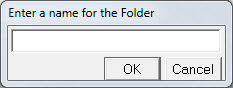
 - The following dialog box will appear.
- Enter a name for your folder (for example, Sales or Inventory)
- Click OK.
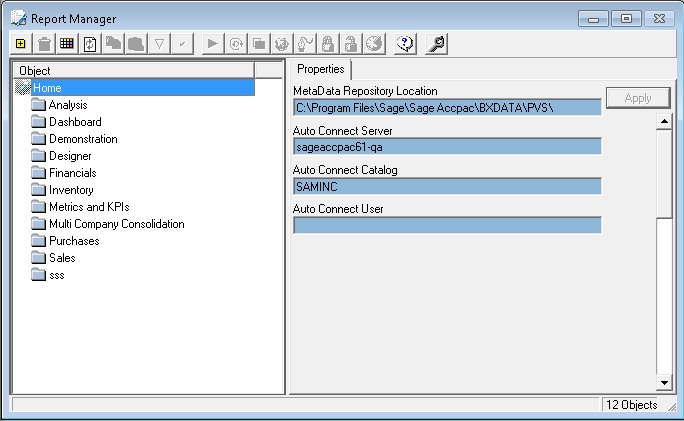
The new folder will now appear in the object window.