Change Order of Columns
From Alchemex 7.1
Home >
Change Order of Columns
Changing the order of Columns changes the order of the data Columns in Microsoft Excel. To change the order of columns for reporting, select the Column that you would like to move.
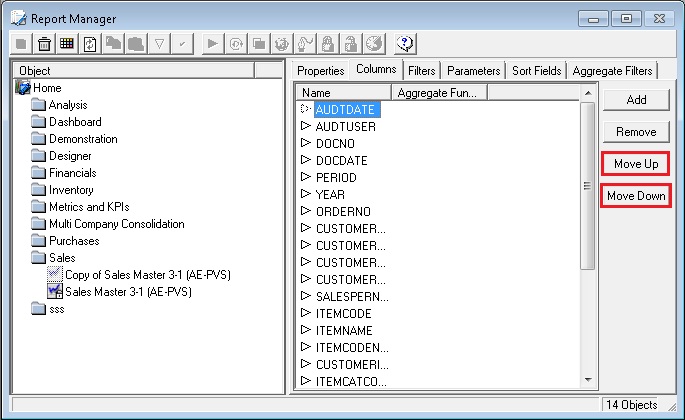
Use the Move Up  or Move Down
  buttons to change
the order of your columns. Alternatively drag and drop the columns into
the correct order.
buttons to change
the order of your columns. Alternatively drag and drop the columns into
the correct order.