Period Sales and Payments Report
From Amicus


| Amicus | |
| Period Sales and Payments Report | |
| See Also Submit feedback on this topic | |
| Reports > Sales Reports > Period Sales and Payments Report |
Glossary Item Box
This report lists the payments to customer accounts on an customer account basis. The report details the type of payment along with the amount & when the payment occurred. In addition the report will also give a summary of the amount payed per payment type.
Click Reports on the Main Menu, followed by Sales Reports then Period Sales and Payments Report option. Alternatively, click Sales on the Toolbar followed by Reports, Sales Reports then Period Sales and Payments Report option.
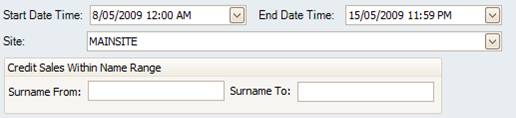
Figure : Period Sales and Payments Report options
Options
Select the Start Date Time, End Date Time, Site and Credit sales Within Name Range.
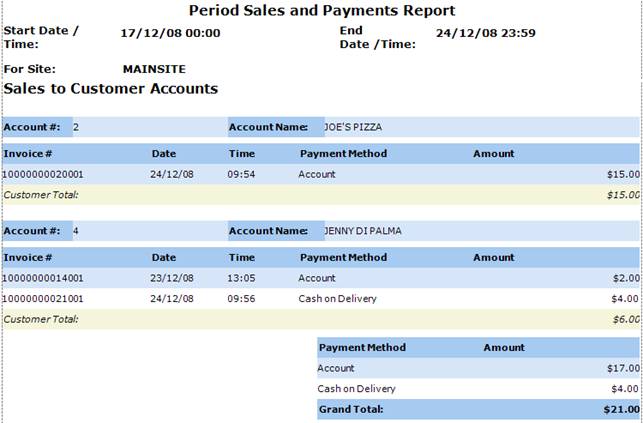
Figure : Period Sales and Payments Report sample report
Filters
The report will list the filters used including; Start Date Time, End Date Time and Site.
Details
The results are grouped byAccount #, Account Name and are listed by Invoice #, Date, Time, Payment Method, Amount paid this invoice, Customer Total paid and Payment Method Totals.