Customer Invoice
From Amicus


| Amicus | |
| Customer Invoice | |
| See Also Submit feedback on this topic | |
| Reports > Customer Reports > Customer Invoice |
Glossary Item Box
The Customer Invoice report displays information based on the sales made to your customers.
To access the Customer Invoice report, click Reports on the Main Menu, followed by Customer Reports then Customer Invoice option. Alternatively, click Customers on the Toolbar followed by Reports, Customer Reports then Customer Invoice option.
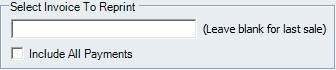
Figure : Customer Invoice options
Options
Select Invoice To Reprint – Enter an invoice identification number. If you leave this field blank and press run the report will automatically display the last sales invoice information
Include All Payments – Check this to include all payments made on the invoice.
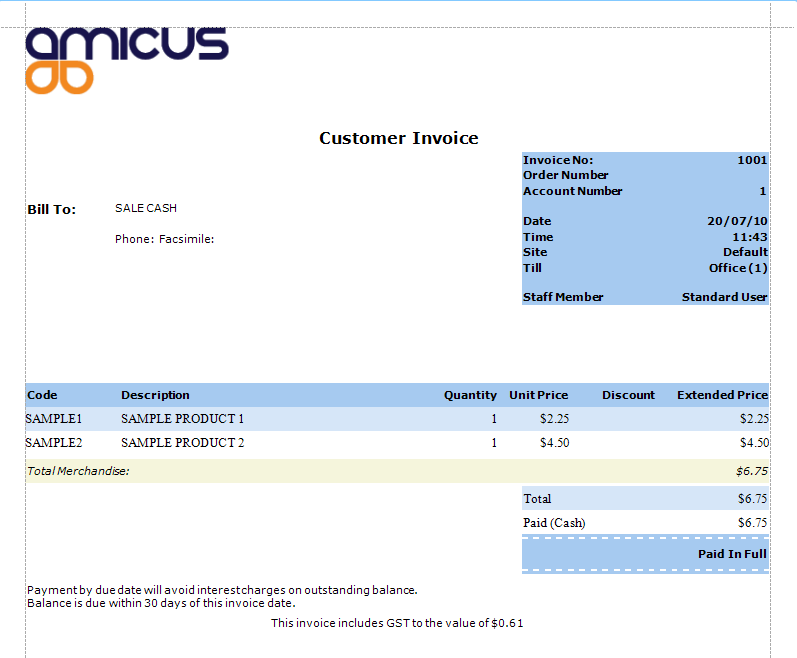
Figure : Customer Invoice sample report