Locking Unlocking a Report
From Alchemex 7.1
Home >
Locking/Unlocking a Report
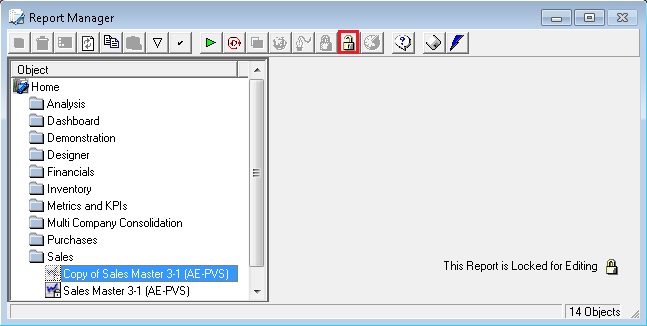
Locking freezes the properties of a report so that it cannot be modified. Users can then only run the report. To lock a report, select the report that you want to lock.
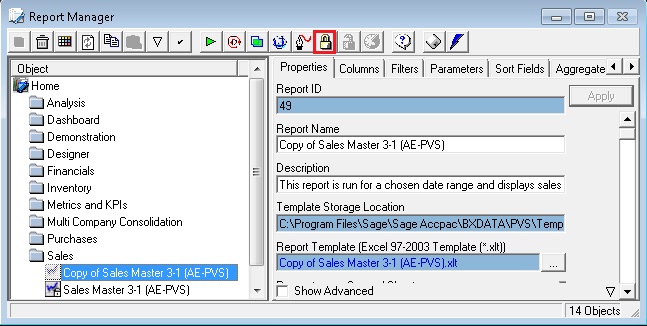
Click the Lock button
 to lock your report. You will be promoted for an unlock password
and the report properties will immediately be unavailable.
to lock your report. You will be promoted for an unlock password
and the report properties will immediately be unavailable.Click the Unlock button
 to unlock your report, the report properties will immediately be available
upon entering the unlock password set in step 1.
to unlock your report, the report properties will immediately be available
upon entering the unlock password set in step 1.