3 8 3 Replace
From Visual LANSA
3.8.3 Replace
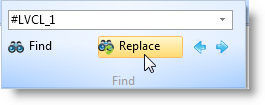
You can replace text in the Source tab by pressing the Ctrl + H keys or by using the Replace command in the ribbon:
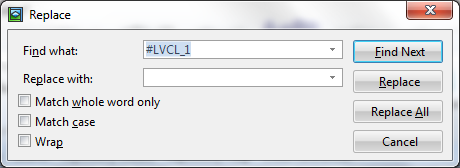
To open the Replace dialog box:
Also See
Find and Replace keyboard shortcuts.
From Visual LANSA
You can replace text in the Source tab by pressing the Ctrl + H keys or by using the Replace command in the ribbon:
To open the Replace dialog box:
Also See
Find and Replace keyboard shortcuts.