Direct SQL Query Tool
From Alchemex
Home > Connector > Direct SQL Query Tool > Direct SQL Query Tool
Direct SQL Query Tool
The Direct SQL Query tool allows direct interrogation via SQL of data within your Connector defined Data Connections. The query tool allows only SELECT queries and {call} type queries for stored procedure execution (if supported). UPDATE, DELETE and INSERT and DDL (Data Definition Language) queries are not allowed.
Launch the tool from your Connector.
Click on Tools, Direct Query Tool, and then edit and execute SQL queries.
To execute a Query either choose:
- Query > Execute or
- Press the F5 key
If a certain part of the Query text has been highlighted then only this portion of the query will be executed.
Note that the SQL syntax from driver to driver may differ. Consult the documentation for a each system for more information.
Query results can be displayed in the tools own query results grid or it can be rendered directly into a new Excel Workbook. To toggle the output modes choose the menu item:
- Query > Results to grid or
- Query > Results to Excel
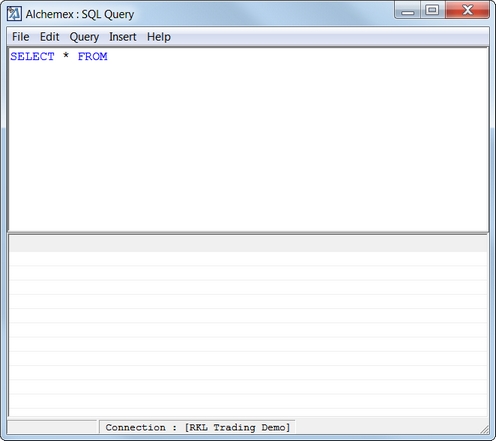
A Direct SQL Query window is shown below.
Query files can be saved and opened from the File menu.