View Modes
From WriteMonkey
View Modes
Home | Categories
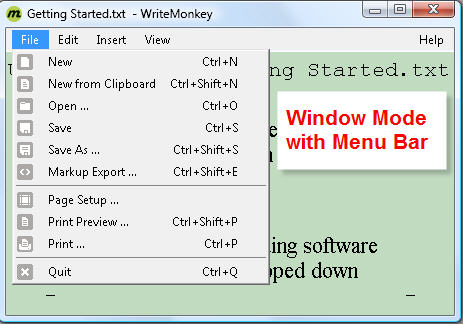
ESC or F11 toggles between Fullscreen and Window Mode
- the last used Window size and position will be remembered
- to start up in full screen: Press F10 for Preferences
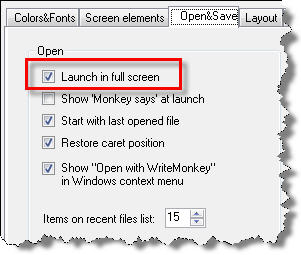
Disable this option if your prefer the resizable Window Mode
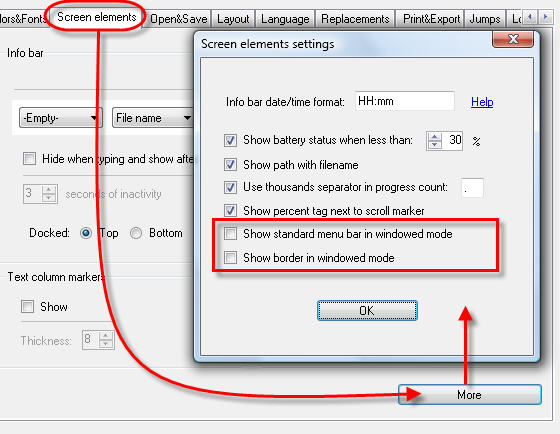
To modify the look of the Window Mode:
- consider resizing the infobar
- strip it down: Preferences > Screen Elements > More
Press F2 to minimize the WriteMonkey application window
To hide WriteMonkey into the system tray, see Open+Save
Categories: Screen Layout
Related topics: Open+Save
WriteMonkey version 2.4.0.6 | This helpfile last updated on Aug 29, 2012 --- Stefan Müller