Scribble Tutorial
From Win32++
|
Tutorials |
Menu of tutorials
Tutorial 1: The Simplest
WindowTutorial 2: Using Classes
and Inheritance
Tutorial
3: Using Messages to Create a Scribble Window
Tutorial 4: Repainting the
Window
Tutorial 5: Wrapping a Frame
around our Scribble Window
Tutorial
6: Customising Window Creation
Tutorial 7: Customising the
ToolBar
Tutorial 8: Loading and
Saving Files
Tutorial
9: Printing
Tutorial 10: Finishing Touches
This set of tutorials will demonstrate how to create a scribble application, capable of drawing on a window using a mouse. It starts with a simple window and ends with a frame based scribble application which supports the loading and saving saving its data to a file, and printing the contents of the window. The code for these tutorials can be found in the tutorials directory.
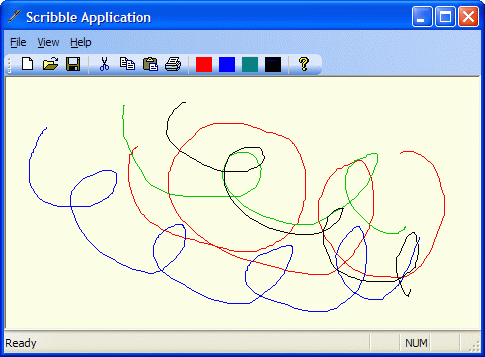
The application produced by completing the tutorial looks like this.
Choose from the set of links in the Menu of Tutorials to start.