Tape Delay Pane
From KiKAXXE
Tape Delay Pane
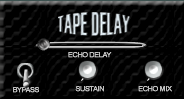
The Tape Delay Pane emulates the classic sounds of tape-based delay, creating echoes, or repetitions of the incoming signal.
Echo Delay Slider
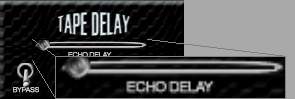
The Echo Delay Slider sets the rate of the echos of the Tape Delay, where the far left position is the shortest echo rate, and the far right position is the longest echo rate.
Bypass Switch
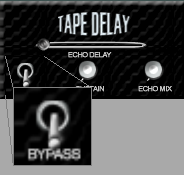
Click the Bypass Switch to enable or bypass the Tape Delay.
- Place the Bypass Switch in the down position to enable the Tape Delay.
- Place the Bypass Switch in the up position to bypass (disable) the Tape Delay.
Sustain Knob
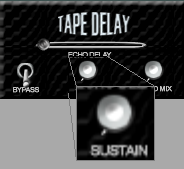
Move the Sustain Knob clockwise to increase the length of the echos, and counterclockwise to decrease the length of the echos.
Echo Mix
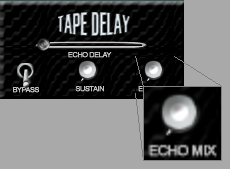
The Echo Mix Knob is a wet/dry balance control for the Tape Delay and dry AXXE/Drum signals, where positions less than 12 o'clock increase the amount of the dry signals, and positions greater than twelve o'clock increase the amount of the Tape Delay signal.
Navigate to Parent Topic (User Interface Overview-Advanced Mode).