Change Order of Filters
From Alchemex
Home >
Change Order of Filters
Changing the order of Filters enables the user to pre determine the order in which the Filters are applied when running the report. To change the order of Filters for reporting, select the Filter that you would like to move.
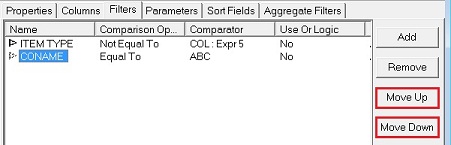
Use the Move Up  or Move Down
  buttons to change
the order of your filters. Alternatively Drag and Drop the Filters into
order.
buttons to change
the order of your filters. Alternatively Drag and Drop the Filters into
order.