Sync Communication Report
From Amicus


| Amicus | |
| Sync Communication Report | |
| See Also Submit feedback on this topic | |
| Reports > Synchronisation Reports > Sync Communication Report |
Glossary Item Box
This report lists all the communications to and from the database.
Click Reports on the Main Menu, followed by Synchronisation Reports then Sync Communication Report option.
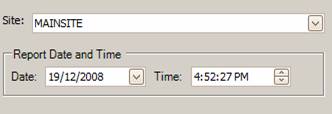
Figure : Sync Communication Report options
Options
Select the Site and the Report Date and Time.
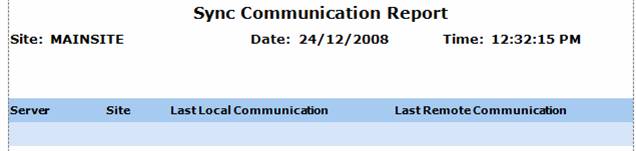
Figure : Sync Communication Report sample report
Filters
The selected filters are displayed on the report as Site, Date and Time.
Details
The server communications are listed by; Server name, Site, Last Local Communication and Last Remote Communication.